Images
Basic image insertion
Input file template.docx: 
Golang code:
go
package main

import (
	"fmt"
	"os"

	gotemplatedocx "github.com/JJJJJJack/go-template-docx"
)

type ExampleStruct struct {
	MediaFilename string
}

func main() {
	docxTemplate, err := gotemplatedocx.NewDocxTemplateFromFilename("template.docx")
	if err != nil {
		fmt.Println("Error loading template:", err)
		return
	}

	filename := "example.jpg"

	bytes, _ := os.ReadFile(filename)

	templateValues := ExampleStruct{
		MediaFilename: filename,
	}

	docxTemplate.Media(filename, bytes)

	err = docxTemplate.Apply(templateValues)
	if err != nil {
		fmt.Println("Error applying template values:", err)
		return
	}

	err = docxTemplate.Save("template_output.docx")
	if err != nil {
		fmt.Println("Error saving output file:", err)
		return
	}
}
Output file template_output.docx: 
Image alignment
The insert image automatically inherit alignement from its placeholder.
Replacing images
To replace an existing image it's a little different, you need to put the template action inside the image's Alt Text property:
Input file template.docx: 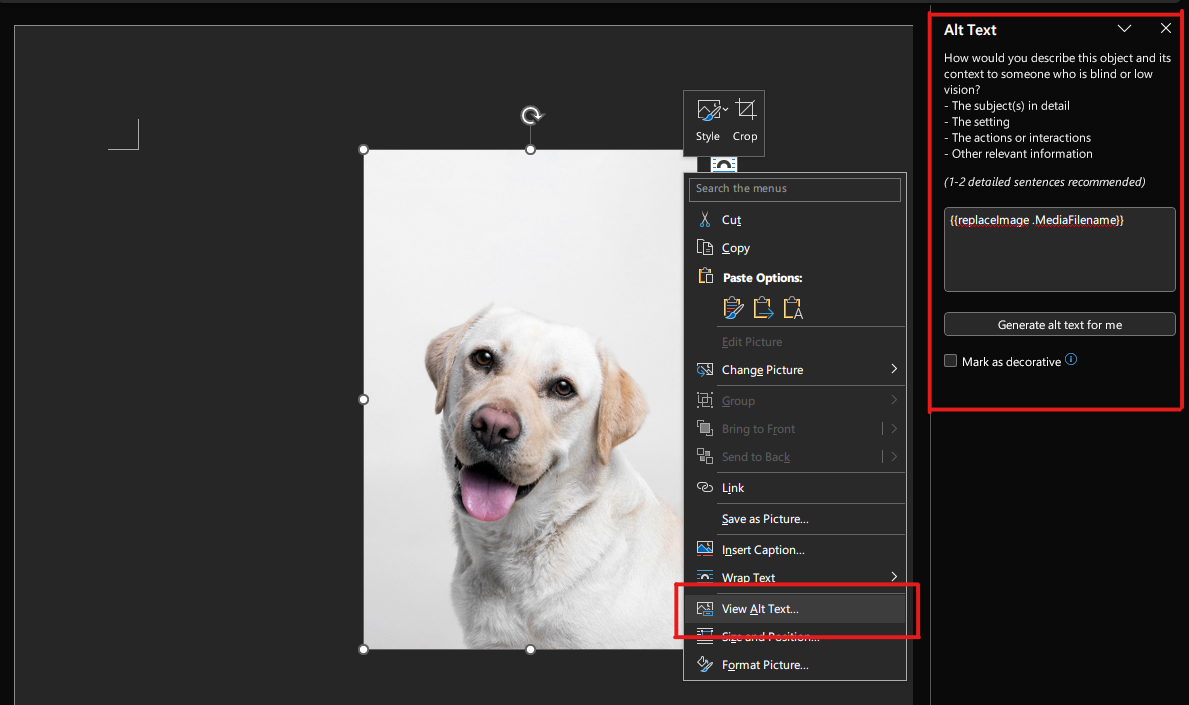
Golang code:
go
package main

import (
	"fmt"
	"os"

	gotemplatedocx "github.com/JJJJJJack/go-template-docx"
)

type ExampleStruct struct {
	MediaFilename string
}

func main() {
	docxTemplate, err := gotemplatedocx.NewDocxTemplateFromFilename("template.docx")
	if err != nil {
		fmt.Println("Error loading template:", err)
		return
	}

	filename := "cat.jpg"

	bytes, _ := os.ReadFile(filename)

	templateValues := ExampleStruct{
		MediaFilename: filename,
	}

	docxTemplate.Media(filename, bytes)

	err = docxTemplate.Apply(templateValues)
	if err != nil {
		fmt.Println("Error applying template values:", err)
		return
	}

	err = docxTemplate.Save("template_output.docx")
	if err != nil {
		fmt.Println("Error saving output file:", err)
		return
	}
}
Output file template_output.docx: 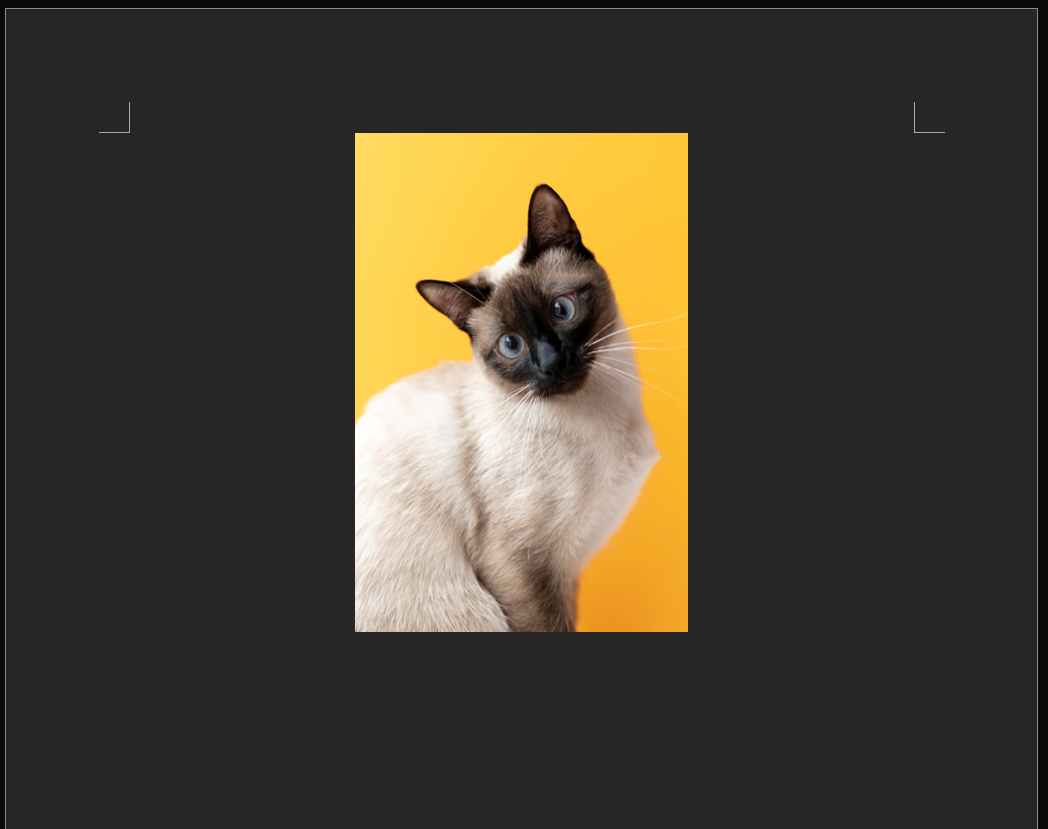
Image replacement
The original image sizes are preserved when replacing images.